How to Build Your Day-to-Day Workflow Automation in 1 Minute and Win Customers
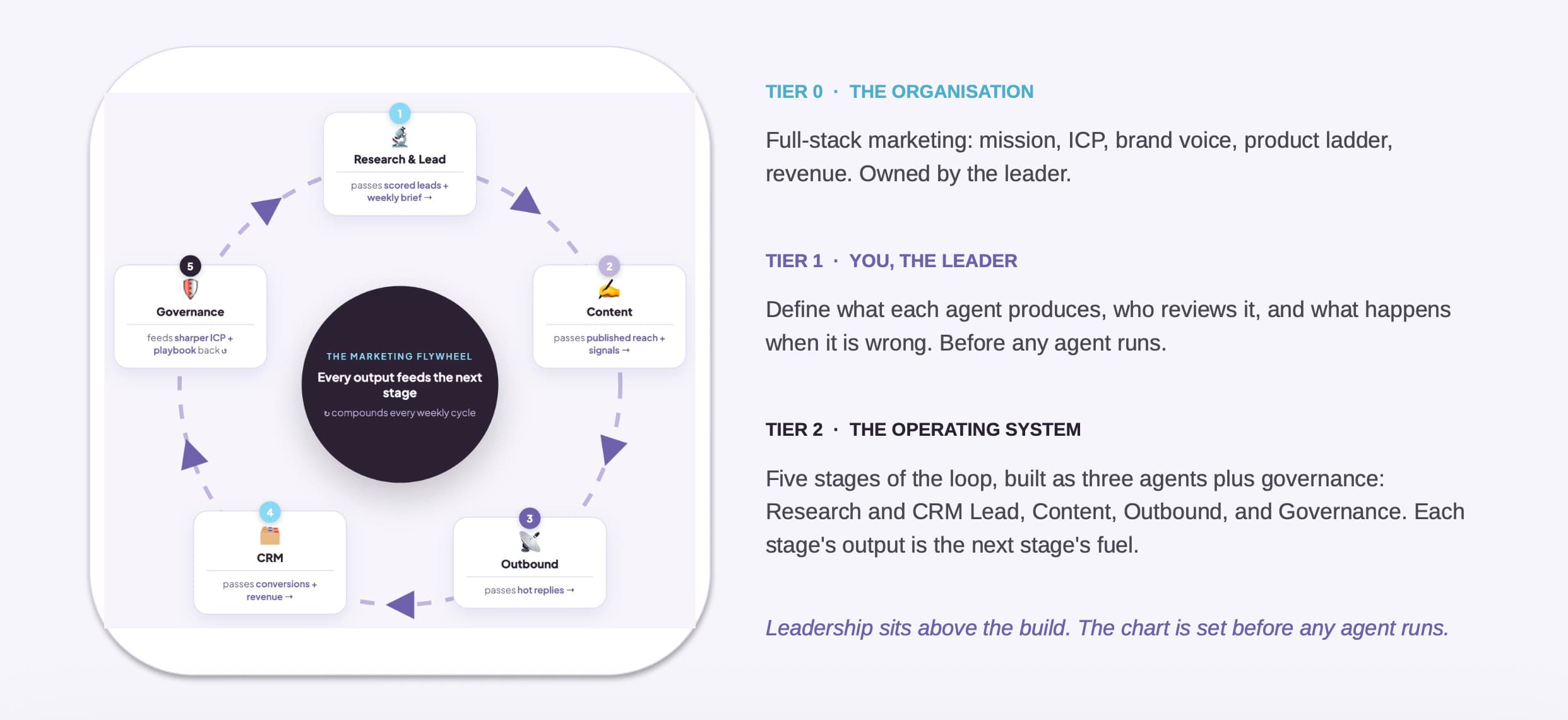
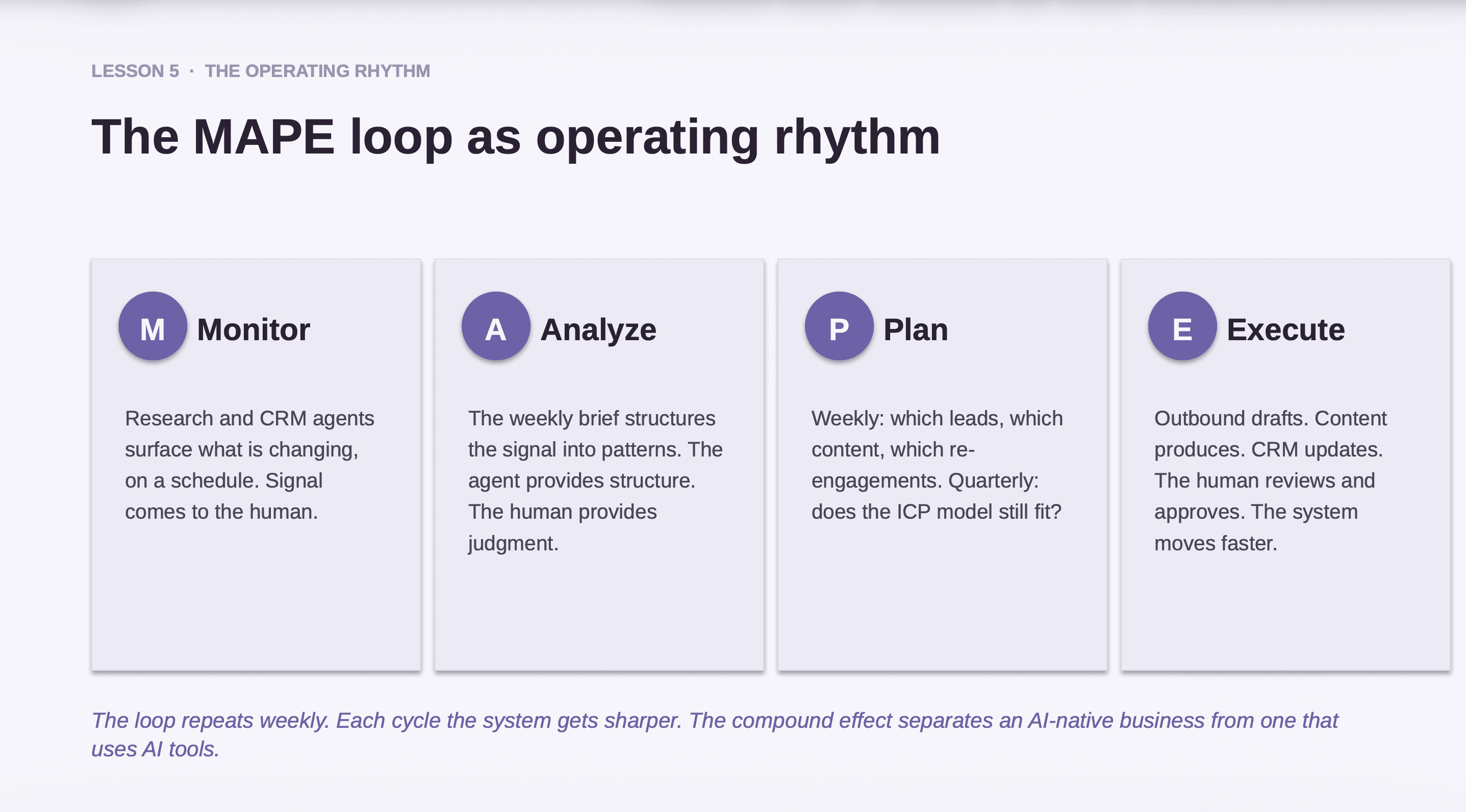
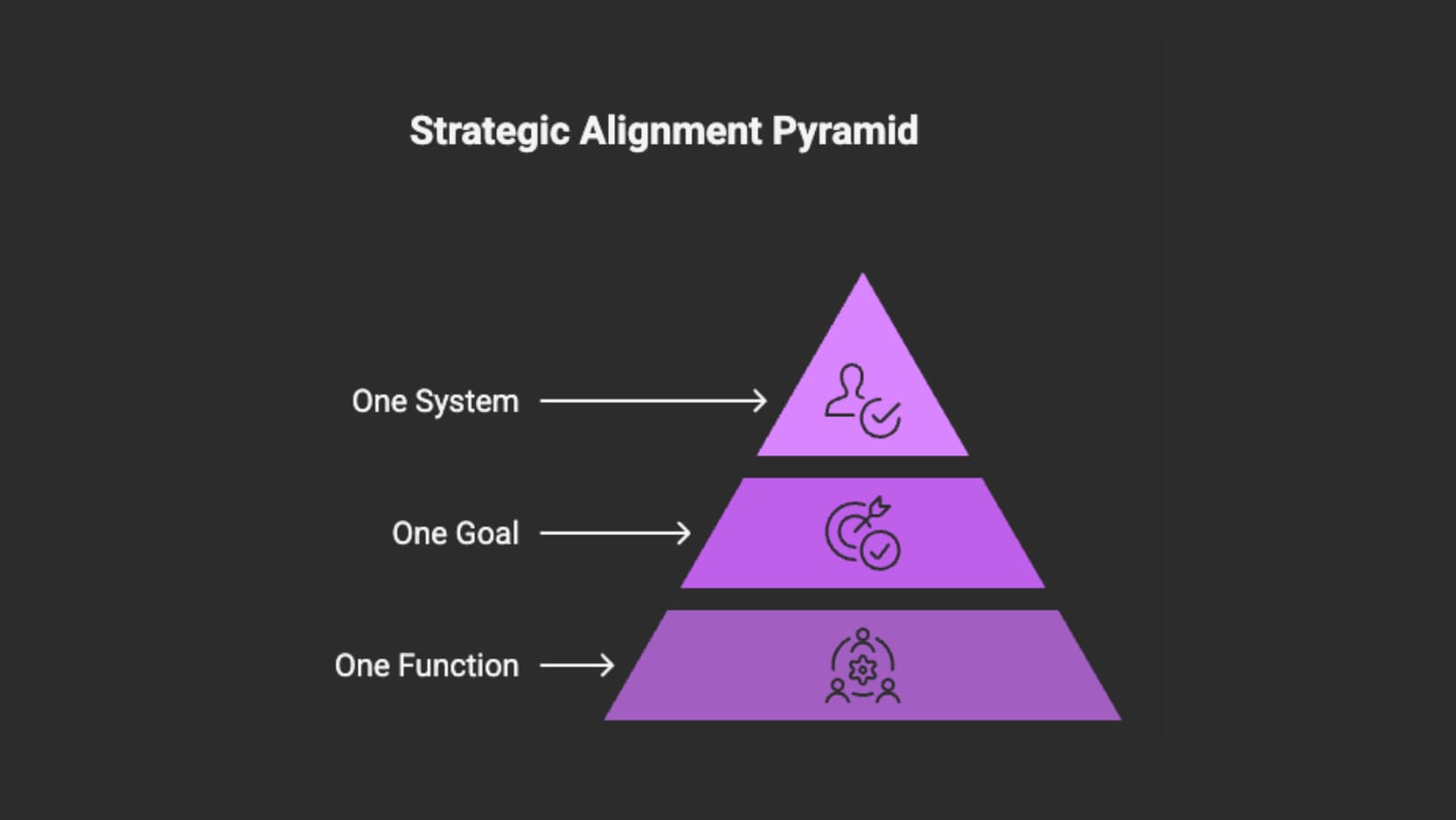
The future, and sooner than most expect, will be AI-native systems where product, Go-to-Market (GTM), growth, marketing, and sales operate in autonomous closed loops, cross-functionally aligned to drive acquisition.
Learning how to leverage AI by going out and building your own systems will very soon become an essential skill.
Learning AI through building is the best way to start exploring AI-first systems thinking, understanding why you’re doing it, what you need, and how to do it.
Currently, I’ve tuned my day-to-day workflows to be 80% automated in just 1 minute.
The remaining 20% is me, as the human in the loop.
The goal is to increase my automation rate to 90%+ by mastering AI agents, improving the system design behind the scenes, and becoming more structural in how I allocate energy, focus, and resources over time.
Here’s the actual use case
How to automate moving the buying journey forward for product growth?
How do you automate moving the buying journey forward for product growth?
If you’re like me, making new connections, acquiring leads, nurturing relationships, converting into product trials, eventually winning deals, and managing client relationships in your CRM, the full product growth cycle requires continuous building, launching, testing, feedback, iteration, growth, and scale.
How do you manage that growth cycle on top of your day-to-day meetings with colleagues, clients, partners, and vendors, sometimes people you barely remember?
It’s a question I continuously ask myself as a founder, alongside my team of custom-built AI agents that help run and scale the business.
Previously, I struggled with using too many SaaS products. It was never enough to just use Tool A, Tool B, Tool C to grow my product and marketing, from making connections to acquiring leads, nurturing relationships, and converting deals.
Most of the time, these SaaS tools don’t speak to each other or work well together. As the operator, I was sitting between them, exhausted! Not to mention constantly needing to upskill on each tool just to use them properly.
Too much manual energy spent figuring out every single SaaS tool.
Too little time focused on priorities.
Priorities like:
Time and energy for decision-making
Time for real human conversations with users
Time for iteration and experimentation
Example:
A connection I recently had a call with shared feedback saying the AI agent I built felt highly tailored and accurate to his profile background. And this is what we call ICP (Ideal Customer Profile).
ICP is critical for product growth, marketing, and sales. It clearly defines the type of company (or customer) that gets the most value from your product. In return, brings the most value to your business.
Through building my custom AI agent, I now receive a meeting brief in my inbox within 1 minute. It runs automatically whenever I have meetings with new connections, or existing contacts with ongoing topics from previous conversations.
I grab a cup of tea, sit down, and review the brief in my inbox.
Here’s my logic to build:
One hour before the meeting: Trigger a run one hour prior to the meeting start time.
Search attendee LinkedIn profile: Match using emails or names via public search results. Note that results may not be 100% accurate. Well, nothing is perfect.
Check my email inbox for recent conversations with the attendee:
If this is the first meeting, there may be no prior record — that’s fine.
If there are previous meetings or conversations, the context should appear in the meeting brief.
Summarise LinkedIn and draft email context:
Please provide a concise meeting briefing including:Attendee snapshot — Who they are based on their LinkedIn profile (role, company, background highlights)
Recent email context — Key topics, asks, or action items from recent email exchanges
Suggested talking points — Based on the above
Keep it brief and actionable.
DONE!
Output results are looking like this:
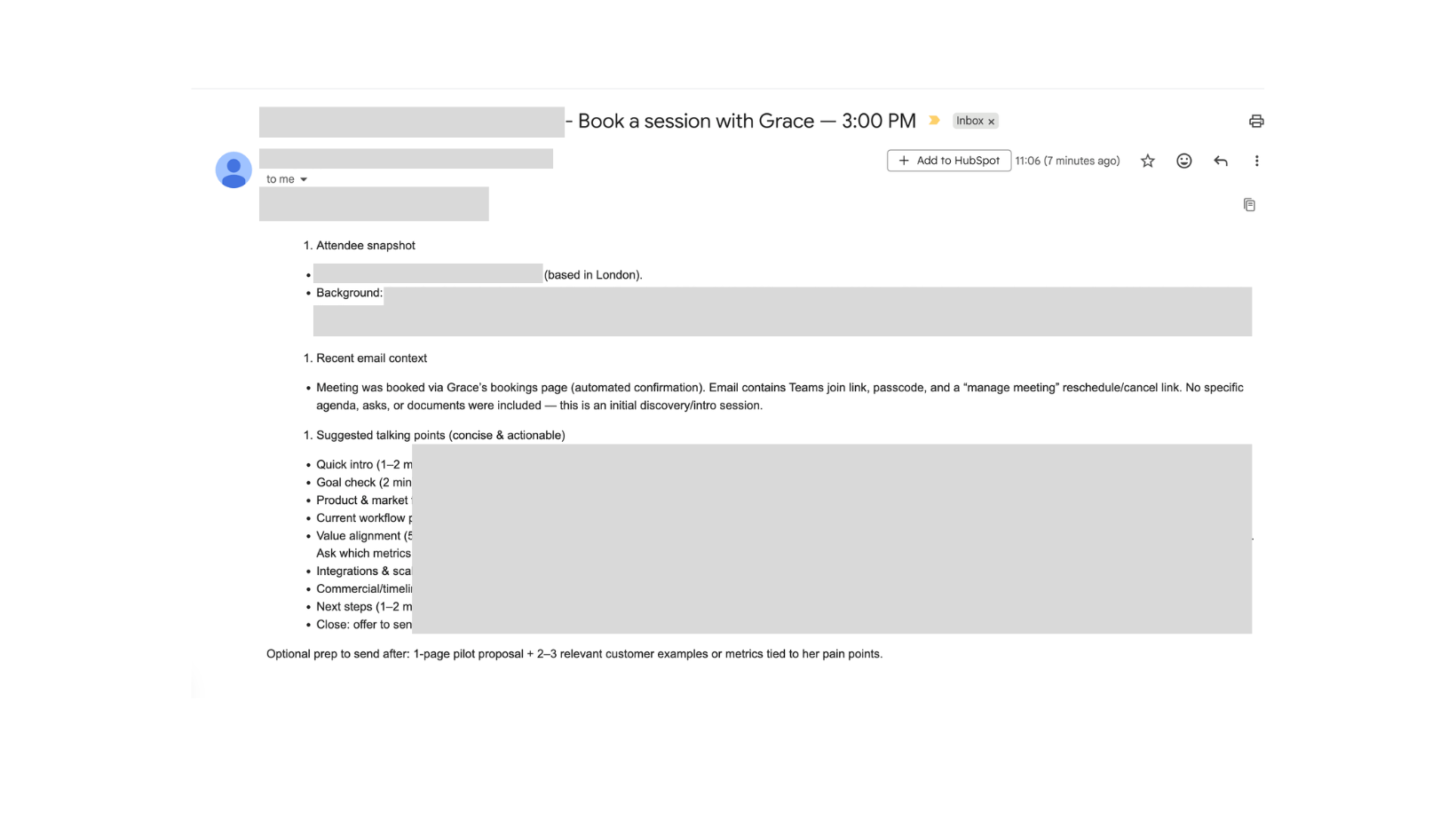
The Automated Brief Includes:
Attendee Snapshot
Name — identity (location-based).
Background
A short summary pulled from LinkedIn.
No more manually browsing profiles filled with scattered information and activity feeds.
I used to do that a lot too! I’d browse through the entire profile, activities, and posts, and still feel like I missed so many great aspects of such an amazing person.
Context
If this is a follow-up or someone you’ve spoken with before, you receive summarized context from previous conversations.
In this case, it was my first meeting, so there wasn’t much prior context.
The meeting was booked via my booking page (automated confirmation). The email included the Teams link, passcode, and manage/reschedule link. No specific agenda, just an initial discovery session.
Suggested talking points (concise & actionable)
Quick intro (1–2 min): xx
Goal check (2 min): xx
Product & market fit (5–7 min): xx
Current workflow pain (5 min): xx
Value alignment (5 min): xx
Integrations & scale (3 min): xx
Next steps (1–2 min): xx
Close: xx
Optional prep to send after: xx -
After Party 🥂
AI-First Growth: Live Build AI Agents for Outbound and Inbound Growth
The “after conversion” part is where the magic happens.
The system automatically logs into my CRM pipeline via AI agent, continues tracking, nurturing, and enriching.
I won’t go deeper into the downstream automation in this newsletter — it would be too long. I’ll share that in future editions.
The good news: I’m hosting a live session showing you how to build your own AI agents for outbound and inbound growth.
The good news is that I’m hosting an upcoming live session of showing you how to build your AI agents for outbound and inbound growth

What You’ll Learn
Pinpoint the Highest-Leverage Workflow to Automate First
Identify the one inbound and outbound workflow where AI creates immediate leverage. Choose impact over complexity.
Live Build: AI Agent for Signal-Based Outbound & Lead Generation
Build a signal-triggered outbound agent that researches, enriches, scores, and prioritizes leads inside your CRM.
Live Build: AI Agent for Inbound Content Repurposing
Create a content repurposing agent that transforms one core insight into multi-channel distribution.
Perfect If You Are:
A founder
A solopreneur
A product or growth lead
A marketer designing your own AI-native workflows
Share this session with someone in your network who would benefit.
To wrap up today’s conversation, I’d like to leave you with a question:
How do you leverage AI in the right way?
Or even know what the “right way” is?
The right way is not static.
It’s built on consistent, dynamic testing, iteration, and learning.
It’s about learning loops and learning velocity.
Same with strategy.
There is no single “right” strategy at all times.
Strategy only becomes right when it adapts, compounds, and evolves.
Peace,
Grace Man
Founder of AI Strategy League | ex-Microsoft